Testing
Guided technician screens
Guided Test Workflows
Run pump, aerial, low-voltage, line-voltage, road, and weight verification workflows with technician-friendly steps, readings, timers, and validation.
FleetFire by Summit Fire Equipment
FleetFire gives fire apparatus testing, repair, diagnostics, and fleet teams one place to guide field work, capture findings, attach evidence, generate reports, and keep every truck's history connected.
FleetFire is for teams that need cleaner records than clipboards, shared drives, inboxes, and camera rolls can provide.
Run pump, aerial, low-voltage, line-voltage, road, and weight verification workflows with technician-friendly steps, readings, timers, and validation.
Record customer concerns, findings, corrective actions, parts notes, labor notes, recommendations, and open follow-up items.
Keep customers, stations, apparatus, inspections, tests, repair visits, statuses, signatures, evidence, and reports connected to the right unit.
Deliver branded reports with test results, repair findings, photos, signatures, issues found, and recommendations in one customer-ready file.
FleetFire keeps the field workflow, report data, and truck history in one connected workspace so the next person does not have to hunt for the last record.
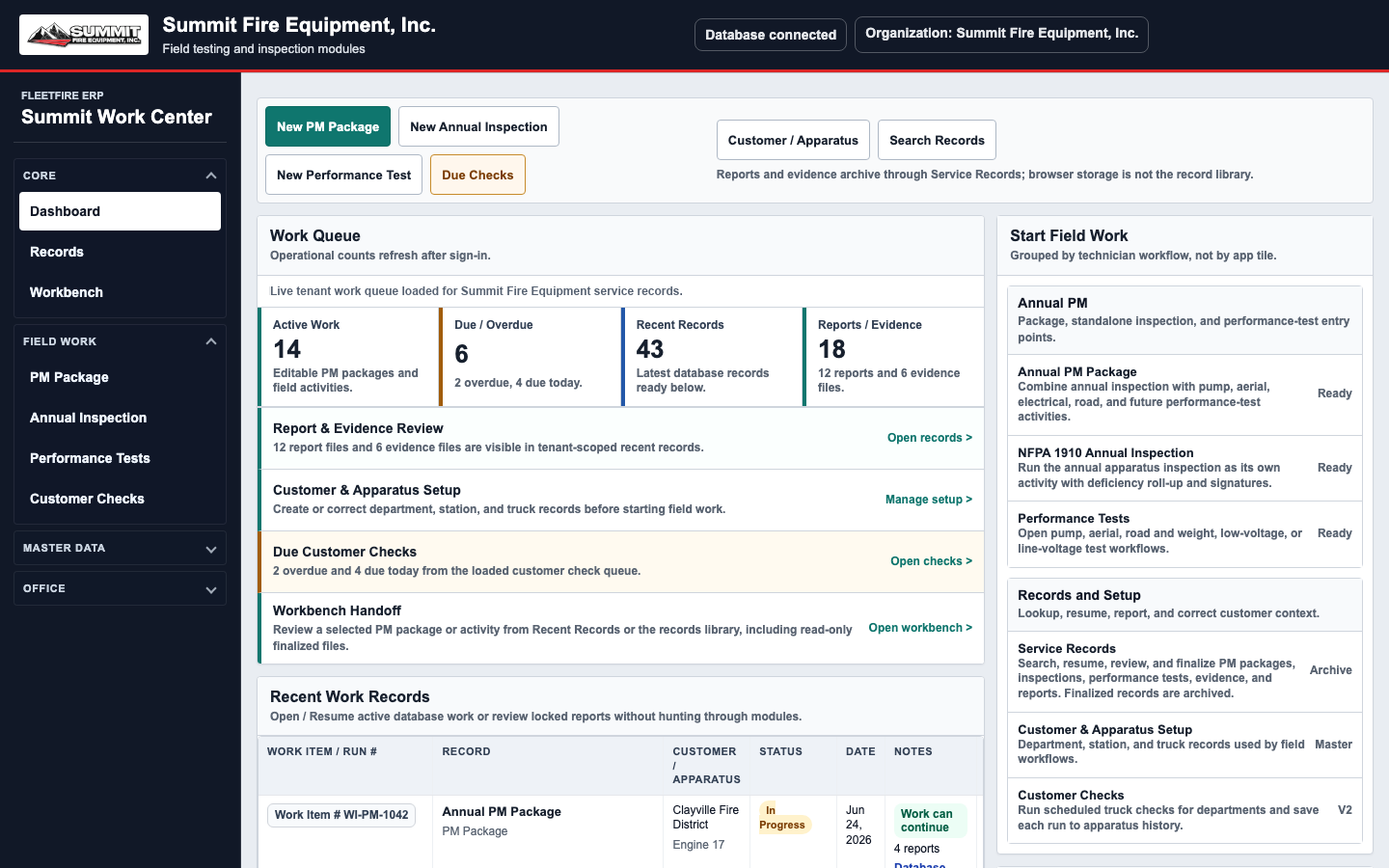
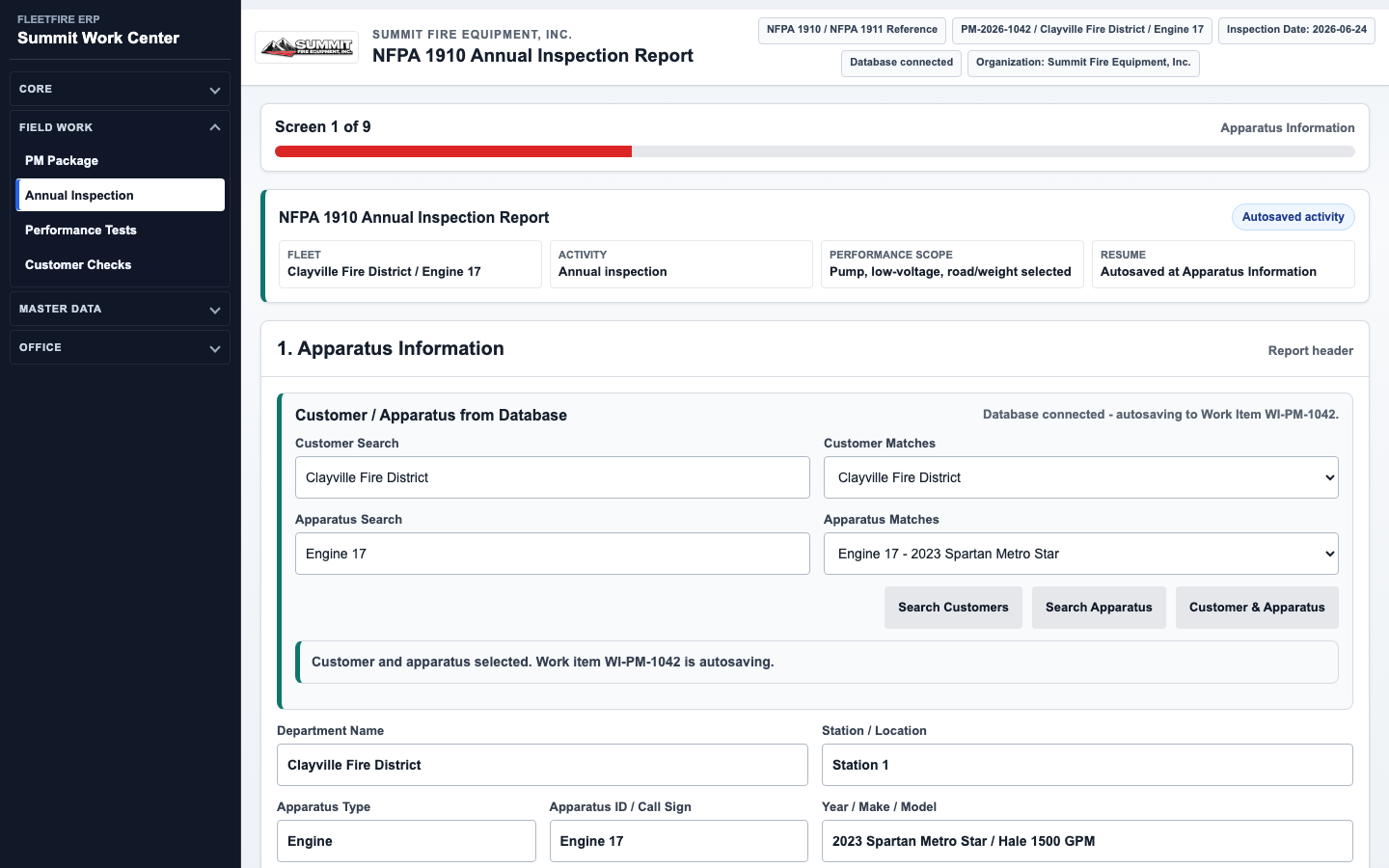
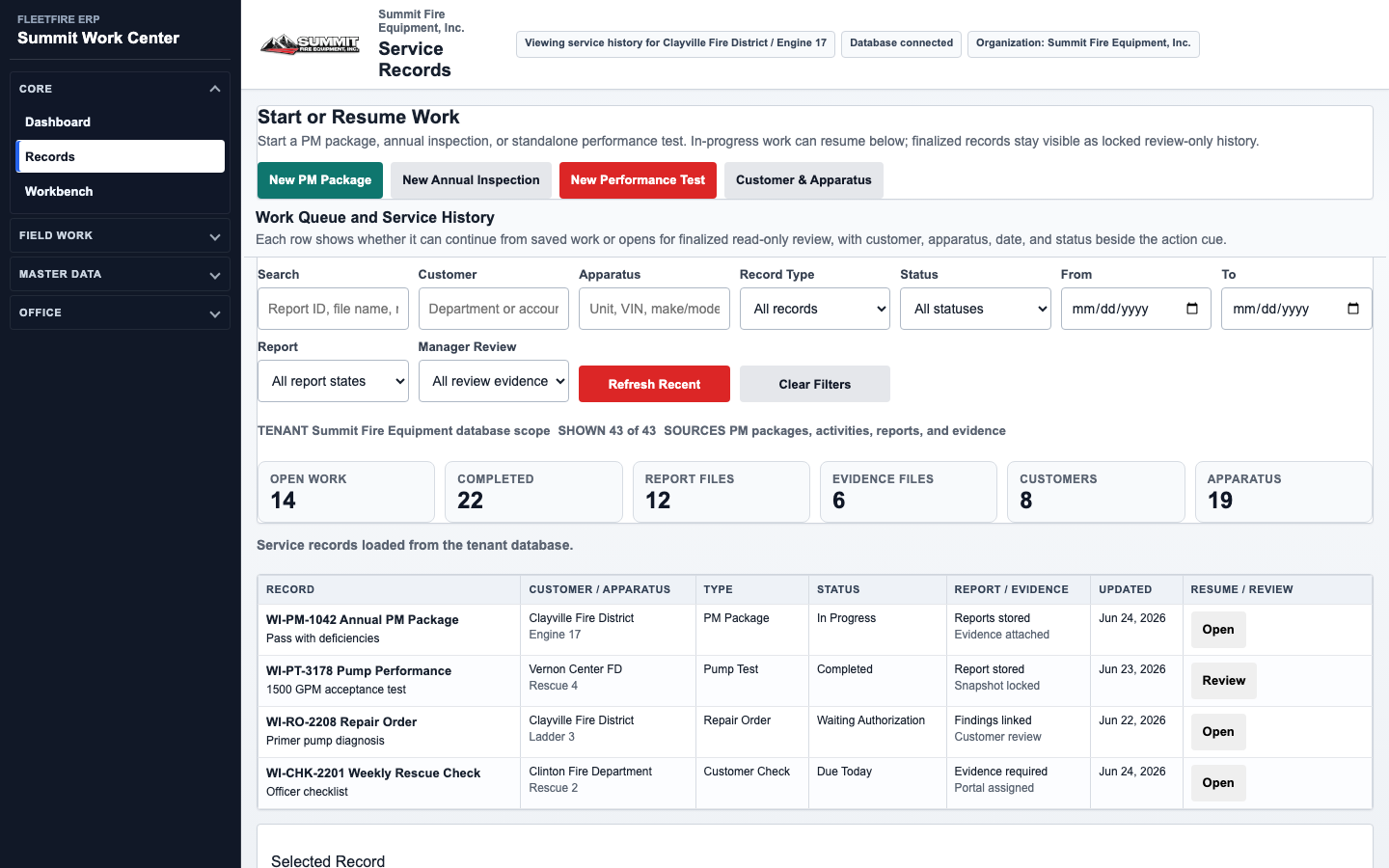
Start with the job in front of you, then build a complete record as the work grows.
FleetFire can be set up for a small mobile service company, a repair shop, or a larger fleet management operation. We will help match the setup to your workflow, users, reports, and deployment needs.